Blacktel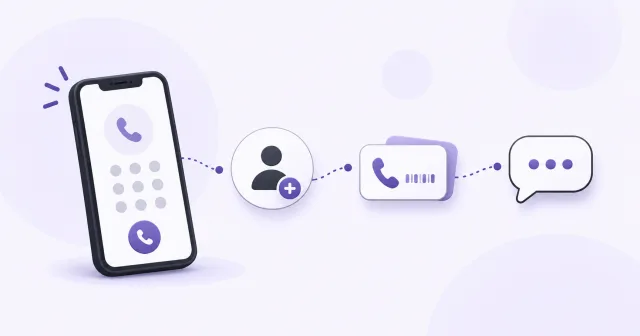
How to start my virtual phone?
The first steps with your virtual phone. Read our tutorial on how to start your own virtual phone on Blacktel.io
Practical help for setting up virtual numbers, using calls and messages, and managing your Blacktel account.
Set up your phone, choose a number and learn how to use it.
The first steps with your virtual phone. Read our tutorial on how to start your own virtual phone on Blacktel.io

How to get phone numbers from countries all over the world. Use virtual phone number for voice, text and fax within Blacktel
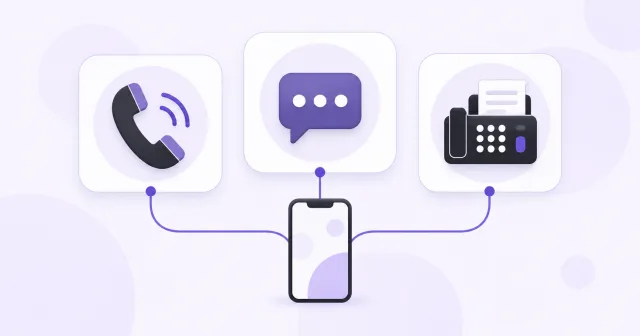
Learn how to use our service for Calls, SMS and Fax with your virtual phone
No matching guide. Try another word or clear the search.
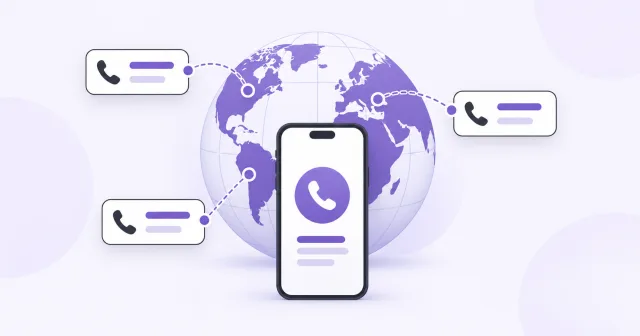
Virtual numbers can be used with your virtual phone for calls, messages and fax
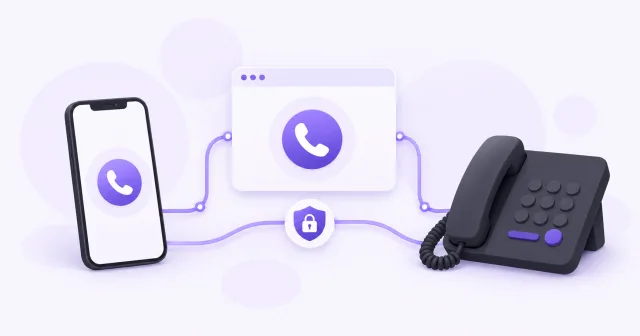
You can integrate your own devices to Blacktel to send SMS and make phone calls
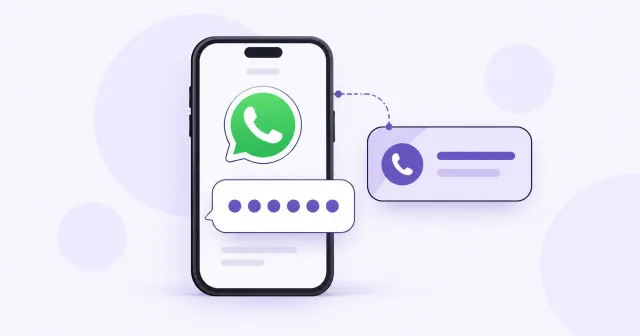
How to verify WhatsApp with a virtual number using Blacktel virtual phone
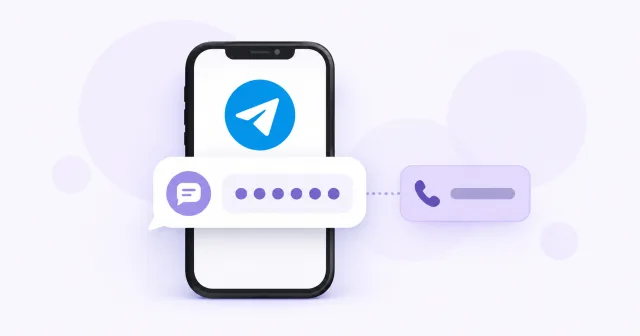
Receive a Telegram code with a virtual number for your verification
Create a WhatsApp Business account with your Blacktel
Create bundles to use phone numbers compliantly in many countries of the world
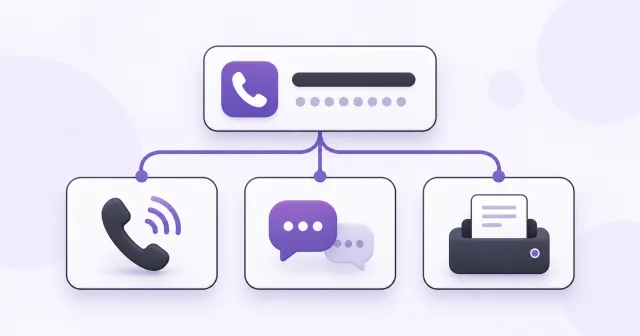
Blacktel phone numbers come with different capabilities enabled
How to get phone numbers from countries all over the world. Use virtual phone number for voice, text and fax within Blacktel
Blacktel will reserve your deleted number for 7 days in case you need it back
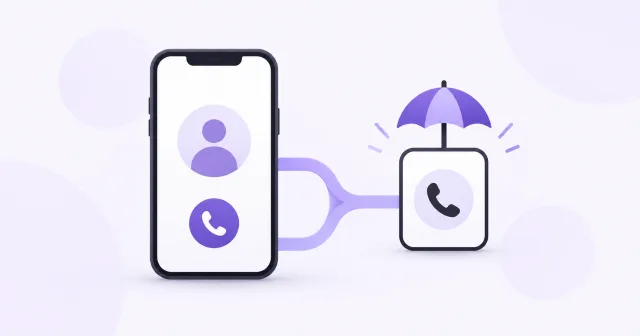
Buy one of our US, UK or CA phone numbers and get another number completely free as your fallback number
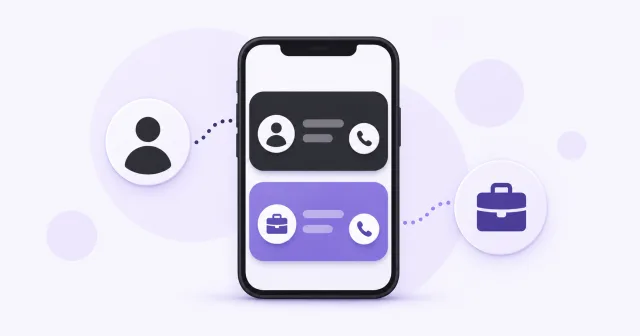
Buy a second number online and use it for Tinder, Facebook, Google and online services
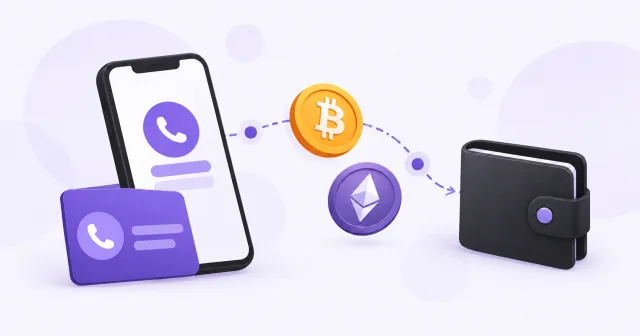
Buy second phone numbers with crypto like Bitcoin, Ether, Monero, Cardano
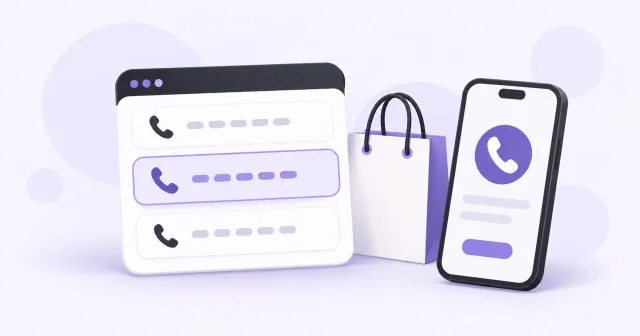
Buy phone numbers from countries like USA, United Kingdom, Canada for online sms verification
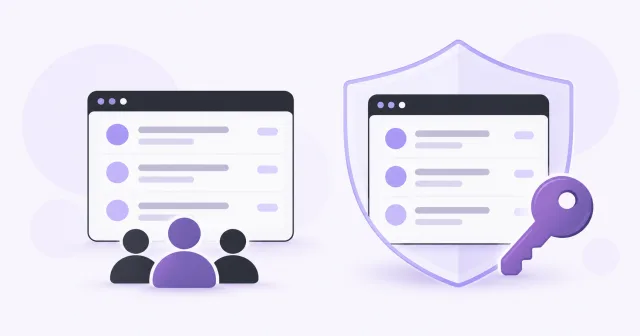
Compare free shared phone numbers and private virtual numbers. Learn how inbox access, number ownership, costs and everyday use differ.
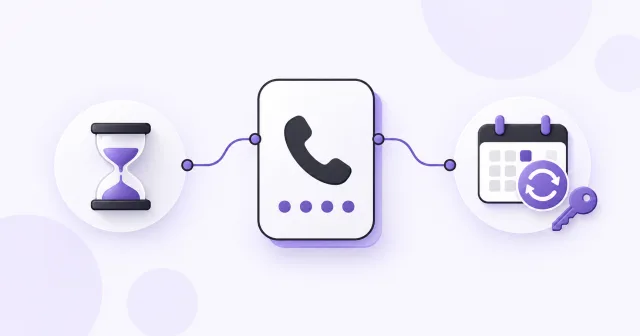
Compare temporary and long-term virtual phone numbers. Understand rental periods, renewal and keeping access to your number and linked accounts.
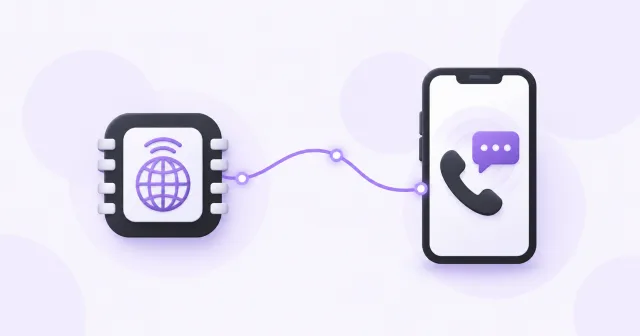
Understand the difference between an eSIM and a virtual phone number. Compare mobile data, online calling, SMS and using both while traveling.
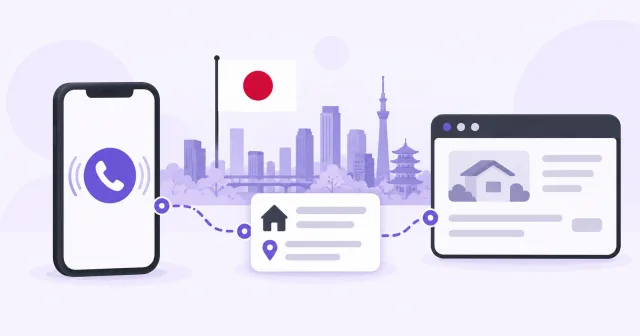
Understand Japanese phone numbers, +81 formatting, local and mobile types, activation requirements and using an eligible virtual number from abroad.
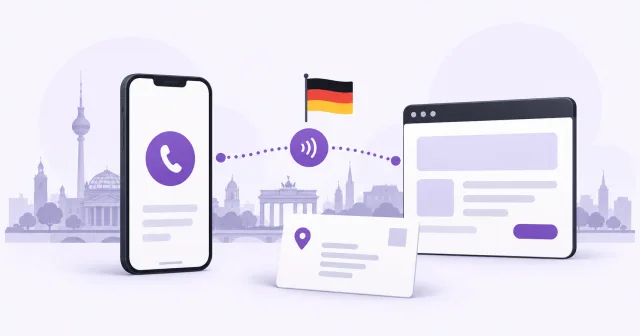
Learn German +49 phone number formatting, local and mobile differences, activation requirements and using an eligible virtual number from abroad.
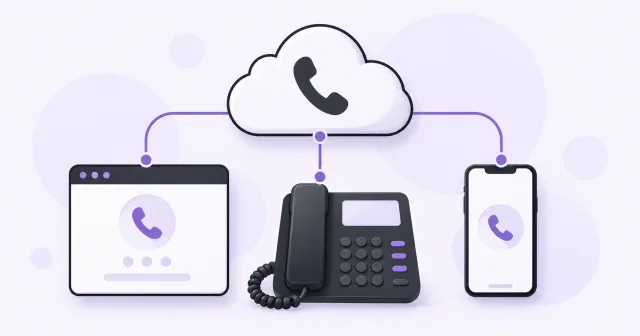
Understand VoIP, non-VoIP and virtual phone numbers. Compare how calls connect, which features to check and what number classification actually tells you.

Add or update your business phone number on Google Maps through Business Profile. Understand contact-number rules, review and available verification methods.
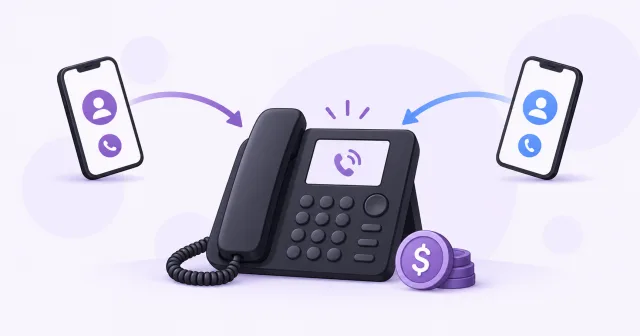
Understand toll-free phone numbers, business charges and international access. Compare toll-free and local numbers before choosing your business contact.
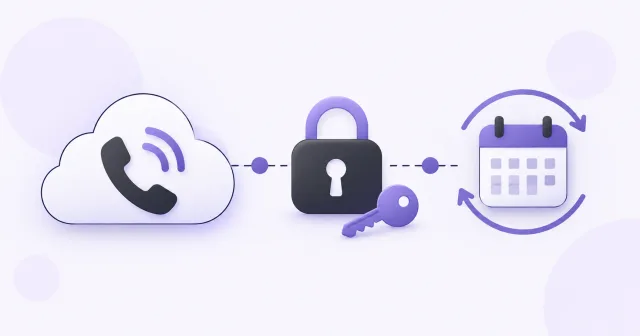
Choose a virtual phone number for two-factor authentication. Check SMS or call support, keep the number active and prepare backup access for your accounts.
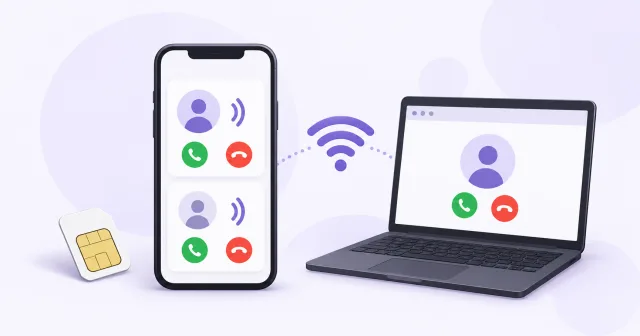
Use a second phone number through an app or browser without adding another SIM. Set up calls and SMS, choose features and understand how it works.
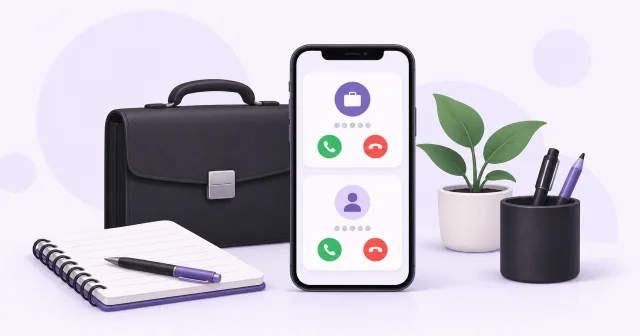
Create a separate work contact with a second phone number. Choose calls and SMS, set call handling and keep your personal number for personal contacts.
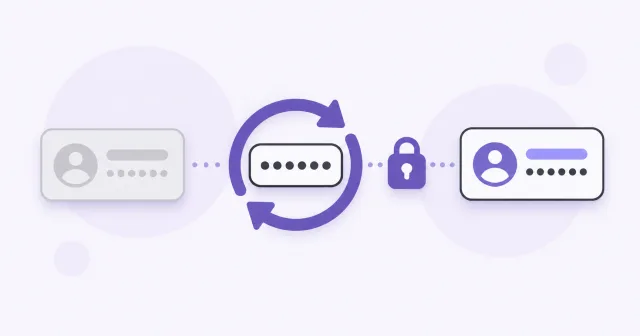
Understand why a new number may already appear in an account service. Learn about reassigned numbers, previous registrations and appropriate next steps.
The first steps with your virtual phone. Read our tutorial on how to start your own virtual phone on Blacktel.io
Learn how to use our service for Calls, SMS and Fax with your virtual phone
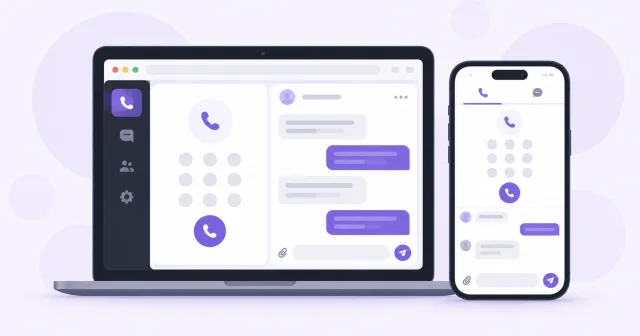
Use the Blacktel as App for iOS and Android or within your web browser
Prevent common mistakes and learn how to use Blacktel as best
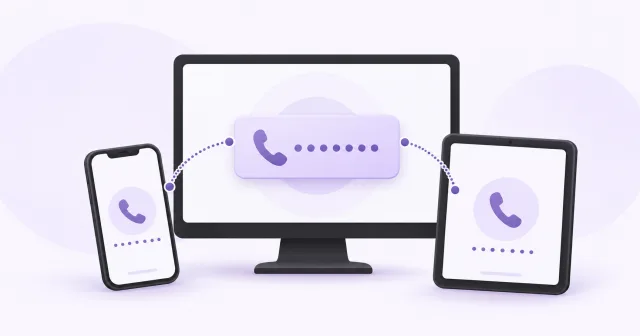
Running Blacktel virtual phone on multiple devices such as iOS, Android, Browser or Desktop
Use Blacktel as your daily phone for free calls, free text messages and as free fax.
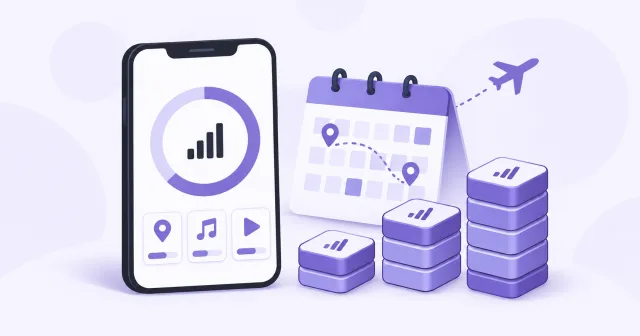
Plan your travel eSIM data for 7 or 14 days. Compare example daily budgets, check your own usage and allow for maps, video, uploads and hotspot sharing.
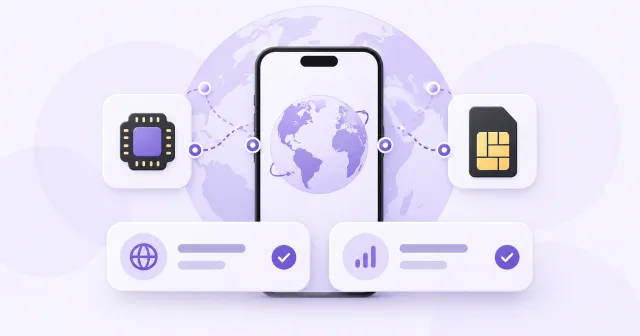
Compare a travel eSIM with your home carrier's roaming plan. Check total cost, coverage, data, validity and how to keep your usual number active abroad.
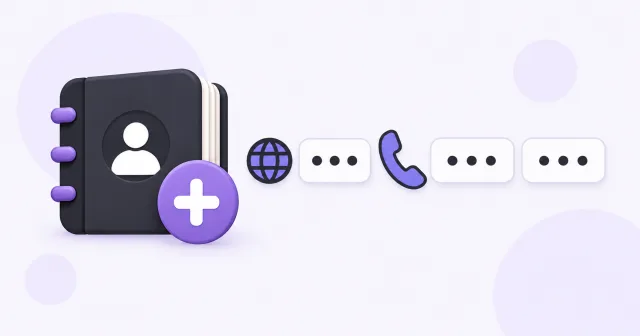
Write phone numbers in international format. Understand the plus sign, country codes, national prefixes and E.164, including when a leading zero stays.
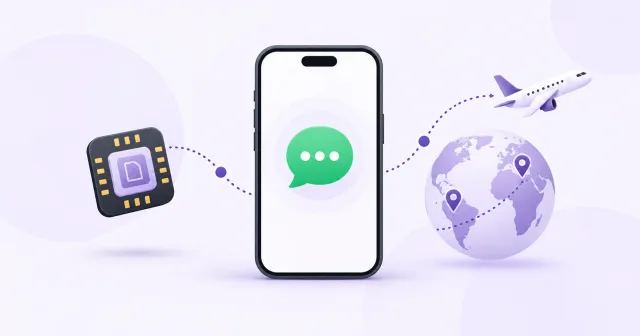
Use WhatsApp with a travel eSIM while keeping your existing number. Choose the data connection and prepare for any future account verification.
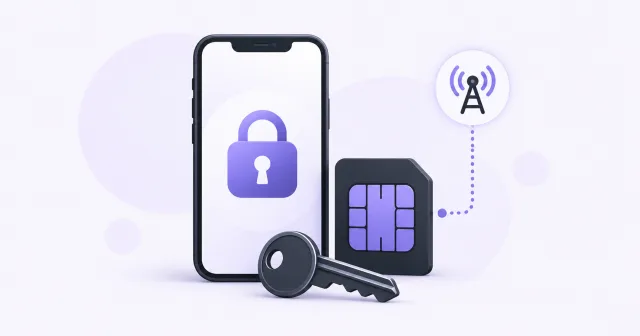
Check whether your phone can use a travel eSIM. Separate eSIM hardware support from carrier locking and learn the official unlocking checks before buying.
Keep receiving account verification codes while travelling. Separate your registered phone number from travel eSIM data and prepare backup access.
Plan when to install and activate your travel eSIM. Check when validity starts, prepare before departure and connect with the right settings on arrival.

Update your user level and get higher quota and more features
Understand Bumble phone verification, SMS and call options, changing your number and keeping account access with an additional login method.
Prepare to change your WhatsApp or Telegram number. Follow each app's number-change process, protect chats and update access before releasing the old number.
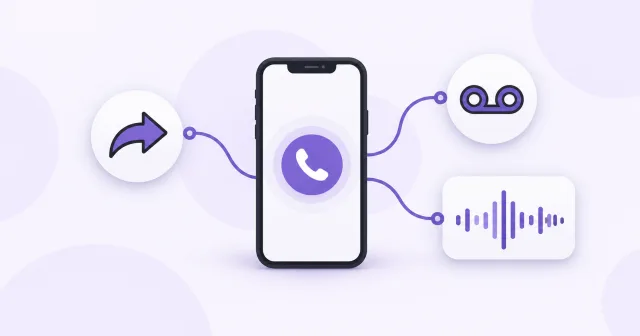
Add different features to your virtual phone, such as call forwarding, auto record or a mailbox
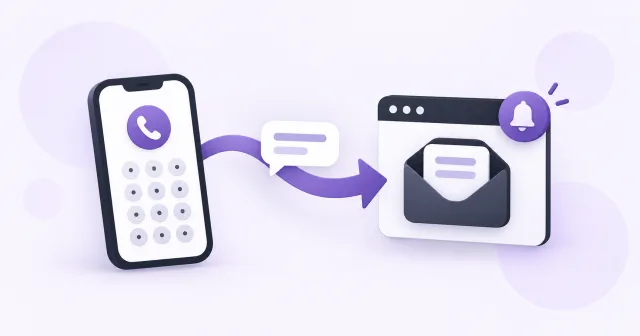
Receive SMS online in your private Blacktel inbox. Choose an SMS-enabled virtual number, open incoming messages and manage ongoing access.
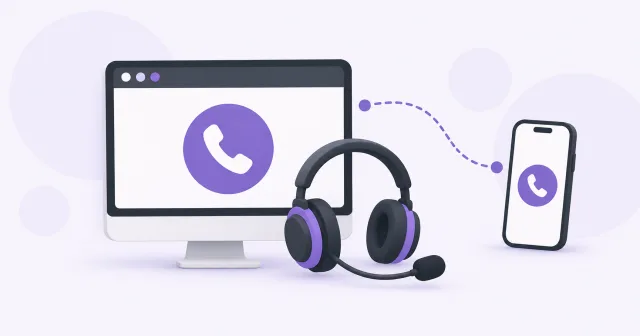
Make phone calls from your computer with Blacktel. Set up your microphone, enter international numbers and compare free and private-number calls.
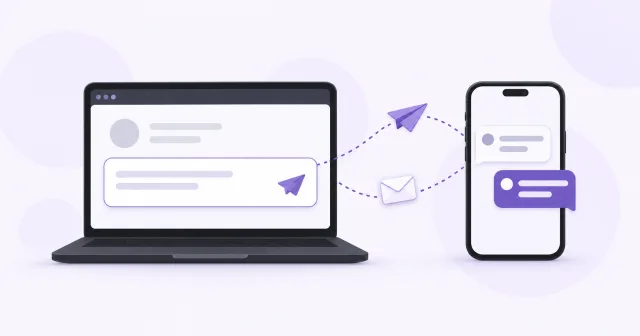
Send SMS text messages from your computer with Blacktel. Choose a sender, enter an international recipient and find replies in your online inbox.

Compare SMS, MMS and RCS messaging. Learn how text, pictures, chat features and online SMS inboxes differ before choosing a phone number.
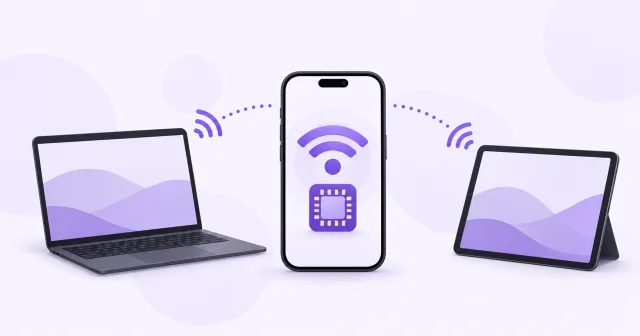
Share an eSIM data connection with a laptop or tablet. Check hotspot support, choose the data line and understand how tethering uses your allowance.

Missing an SMS verification code? Check the number, SMS support, online inbox and resend timer, then choose the right next step for your account.
Receive a verification code by phone call when the service offers it. Check incoming calls, answer live and follow spoken or keypad instructions.
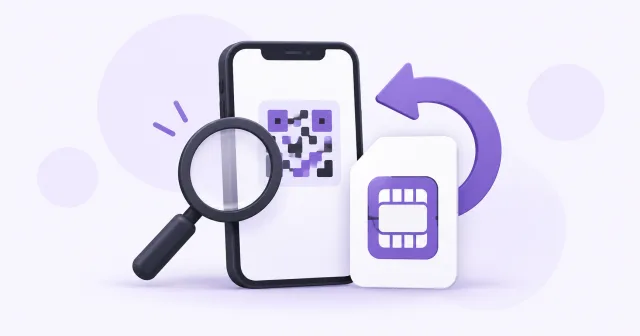
Troubleshoot an eSIM QR code without deleting a working profile. Check installation, connectivity, manual details and the right support information.

Understand short-code SMS, country-specific routing and virtual-number inboxes. Learn what to check when ordinary texts arrive but a verification code does not.
Still need help? Contact Blacktel or, when signed in, review your tickets and submit a support request.